Customize booking pages
How to customize a booking page
Choose a theme, preview the public page, and save the design.
Start the guide 3 minute guide
Updated 2026-07-19Reviewed by Calenyo product team
Step-by-step
Follow the real product.
Step 1 · Events → More → Customize
Open the booking-page preview
Open Client Consultation, select More, then choose Customize.
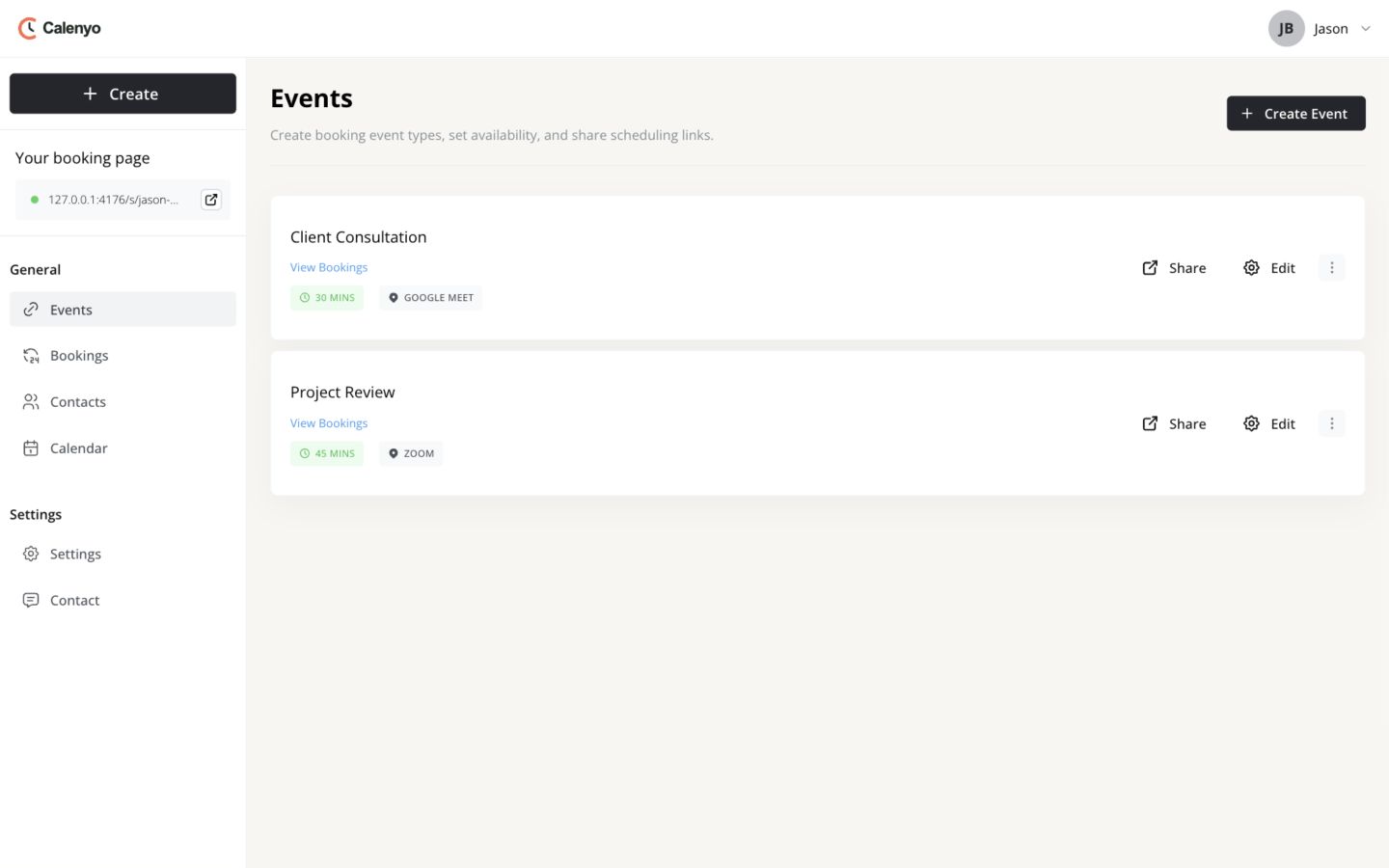 Actual Calenyo screen · Sample account
You’re done when
The page looks intentional and still takes seconds to understand.
- The event title and primary action have strong contrast.
- The page remains readable at a narrow width.
- Only the appearance changed—not the booking rules.
No credit card required