Buyer consultations
Reserve time to understand location, budget, and timing before arranging visits.
Scheduling for real estate agents
Share available viewing times, collect the property reference, and keep changes visible to everyone involved.
Create this booking page freeNo credit card · Edit everything before publishing
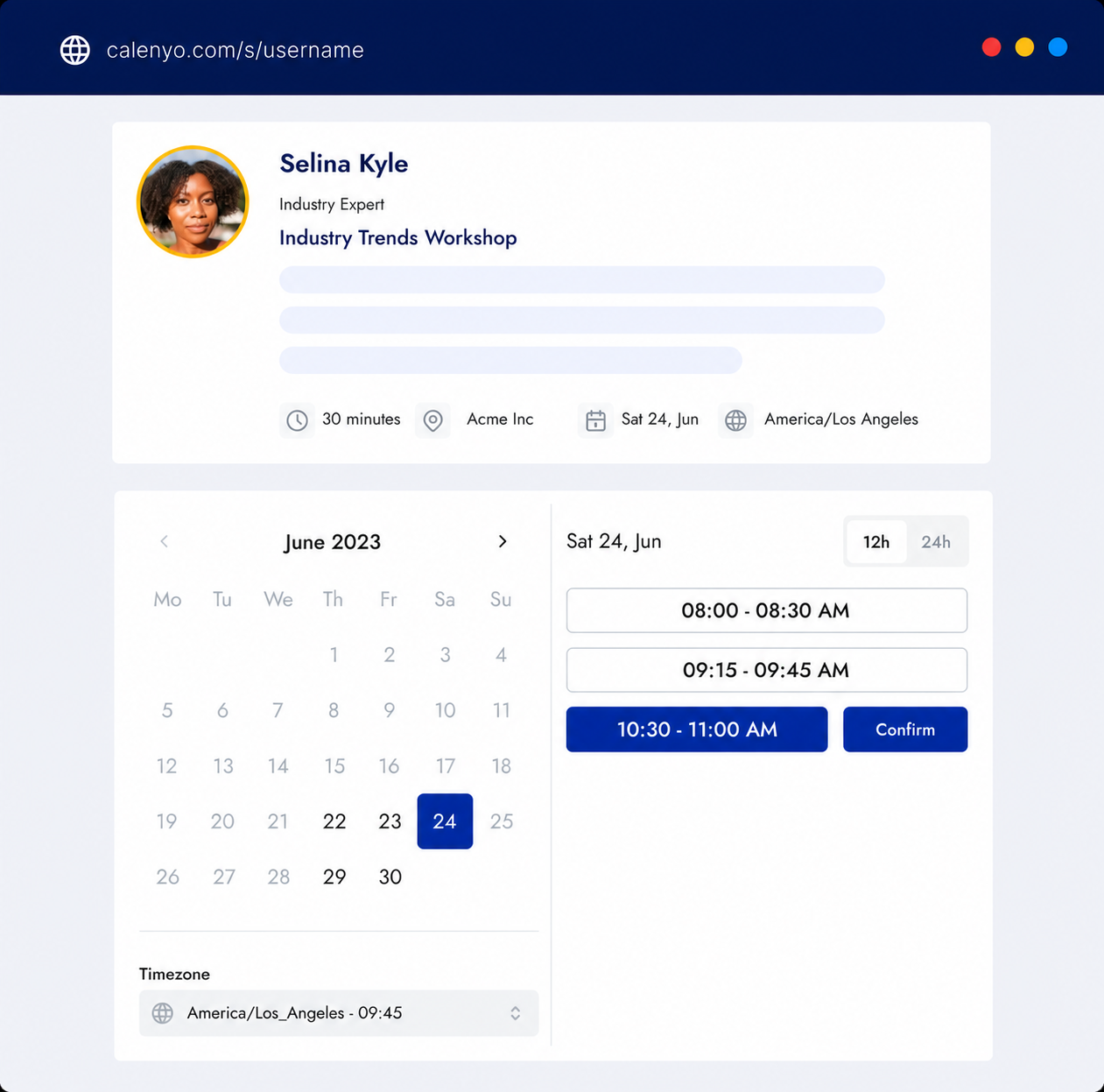
What the page handles
Create separate links for buyer consultations, seller conversations, and one-to-one property viewings.
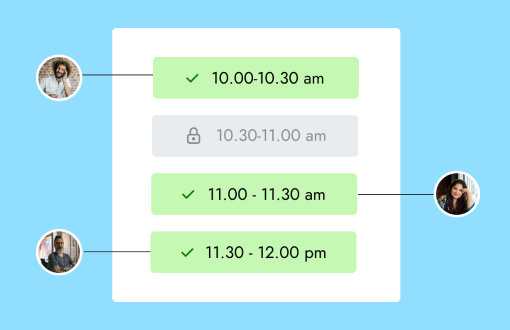
Common uses
Reserve time to understand location, budget, and timing before arranging visits.
Offer a clear route to book an initial valuation or listing discussion.
Attach a property reference to a dedicated appointment page and avoid double booking.
How it works
Make the event title and description specific enough to prevent confusion.
Ask for contact details and the listing reference without requesting unnecessary data.
Both sides receive the booking details and can manage changes through the appointment link.
Choose an available time to view the property. The final meeting details will be included with your booking.
You review the details and availability before publishing.
Good to know
Product questions
Yes. Create an event for a property and give it a recognizable title and URL.
Yes. The secure management link in the confirmation email supports rescheduling and cancellation.
You can add a break after appointments to protect time between viewings.
Product details reviewed by Calenyo product team · Updated 2026-07-16