Calenyo help center
How to use Calenyo.
Choose what you want to do. Each guide shows the real Calenyo screen and one clear next action.
How to create an event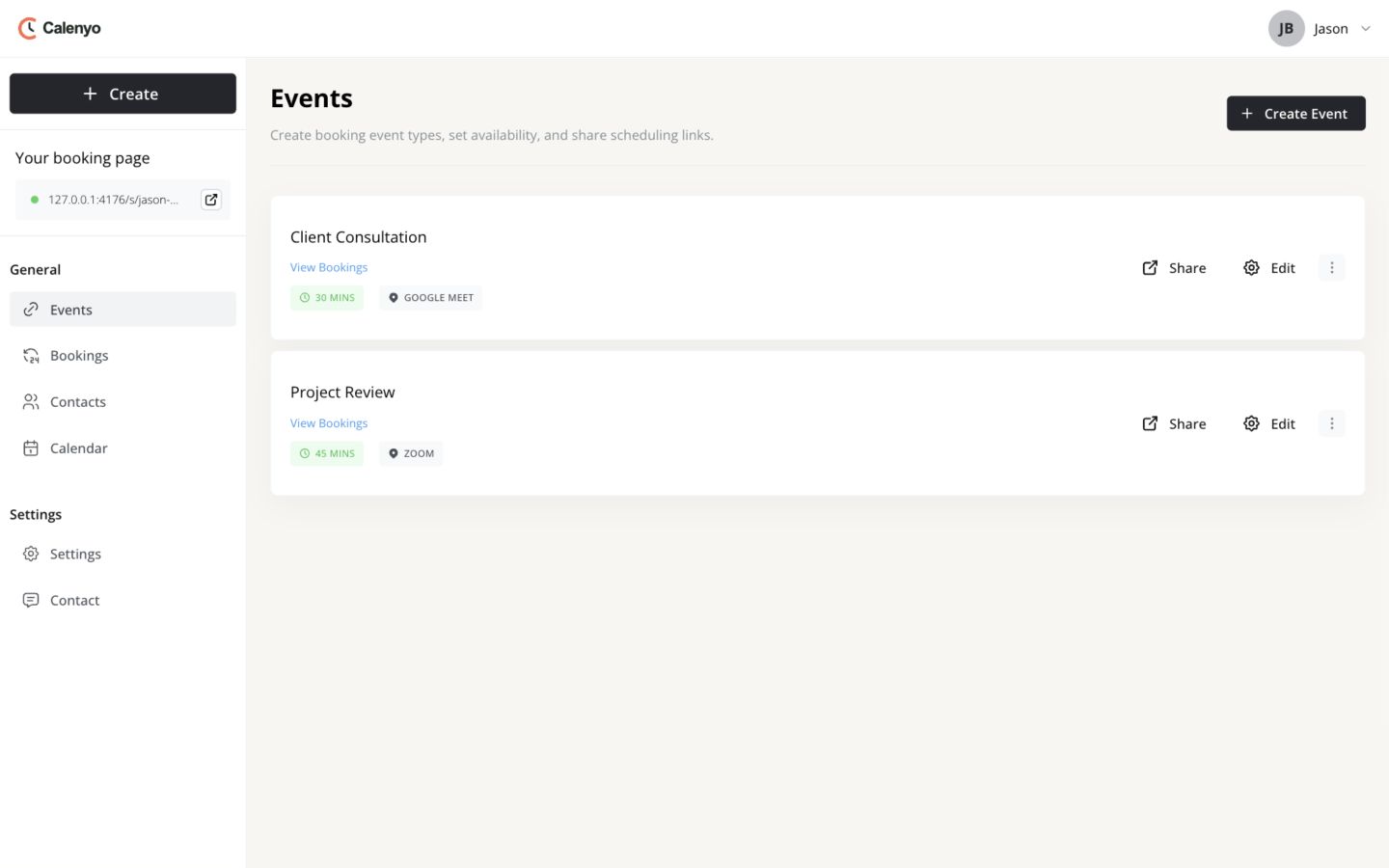 Actual Calenyo screen · Sample account
Browse by task
Jason Brooks and Morgan Lee are sample names used throughout the guides.
How-to guides
Start with the outcome you need.
Get started
Create your first event and share its booking link.
Read how-to
Manage your schedule
Work with events, bookings, contacts, and calendar time.
How to manage an event
Find an event, choose the right action, and check the public page after changes. 3 minute guideHow to manage a booking
Review the guest details, then reschedule or cancel when plans change. 3 minute guideHow to use your calendar
See bookings, block unavailable time, and move an appointment from one view. 3 minute guideHow to manage contacts
Find a person, review appointment history, and choose the next scheduling action. 3 minute guideCustomize booking pages
Choose a theme and check the public booking experience.
How to customize a booking page
Choose a theme, preview the public page, and save the design. 3 minute guideHow to compare booking-page themes
Compare actual Calenyo booking pages while the event content stays the same. 2 minute explorerCan’t find the task you need?
Contact support