Get started
How to create and share an event
Create a 30-minute consultation, set its hours, and share the booking link.
Start the guide 4 minute guide
Updated 2026-07-19Reviewed by Calenyo product team
Step-by-step
Follow the real product.
Step 1 · Events → Create Event
Start a new event
Choose Client consultation for a useful starting point, or select Create Manually.
Good to know: Start with the smallest event that does the job. You can edit it later.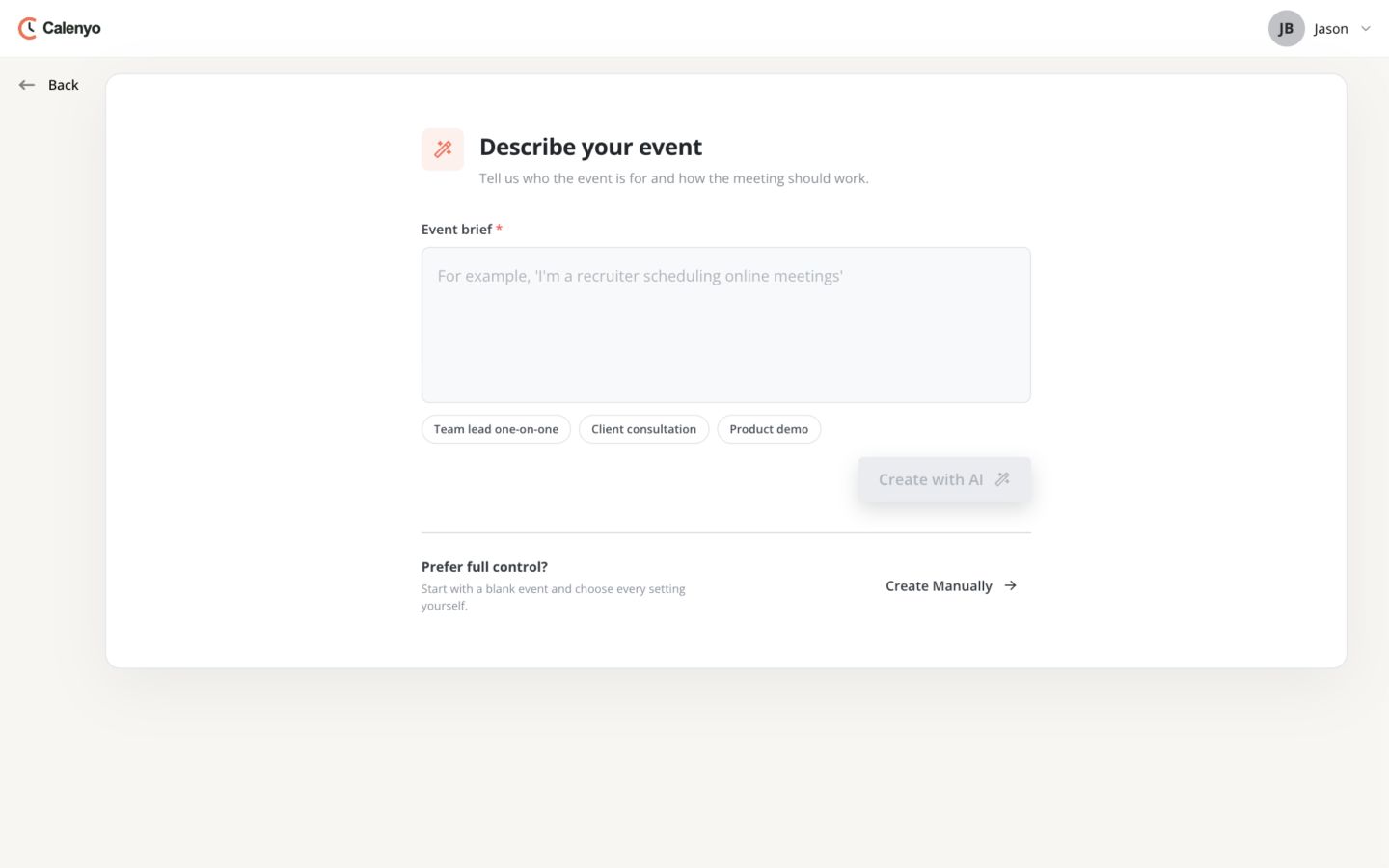 Actual Calenyo screen · Sample account
You’re done when
A client can book without asking Jason what to do next.
- The purpose, duration, and meeting location are easy to find.
- The offered times match the hours Jason can keep.
- A test booking produces the expected confirmation.
No credit card required