Advisory sessions
Create a dedicated event for a structured one-to-one consultation.
Client consultation booking
Set expectations, ask for the essential brief, and let the client reserve a time without a long email thread.
Create this booking page freeNo credit card · Edit everything before publishing
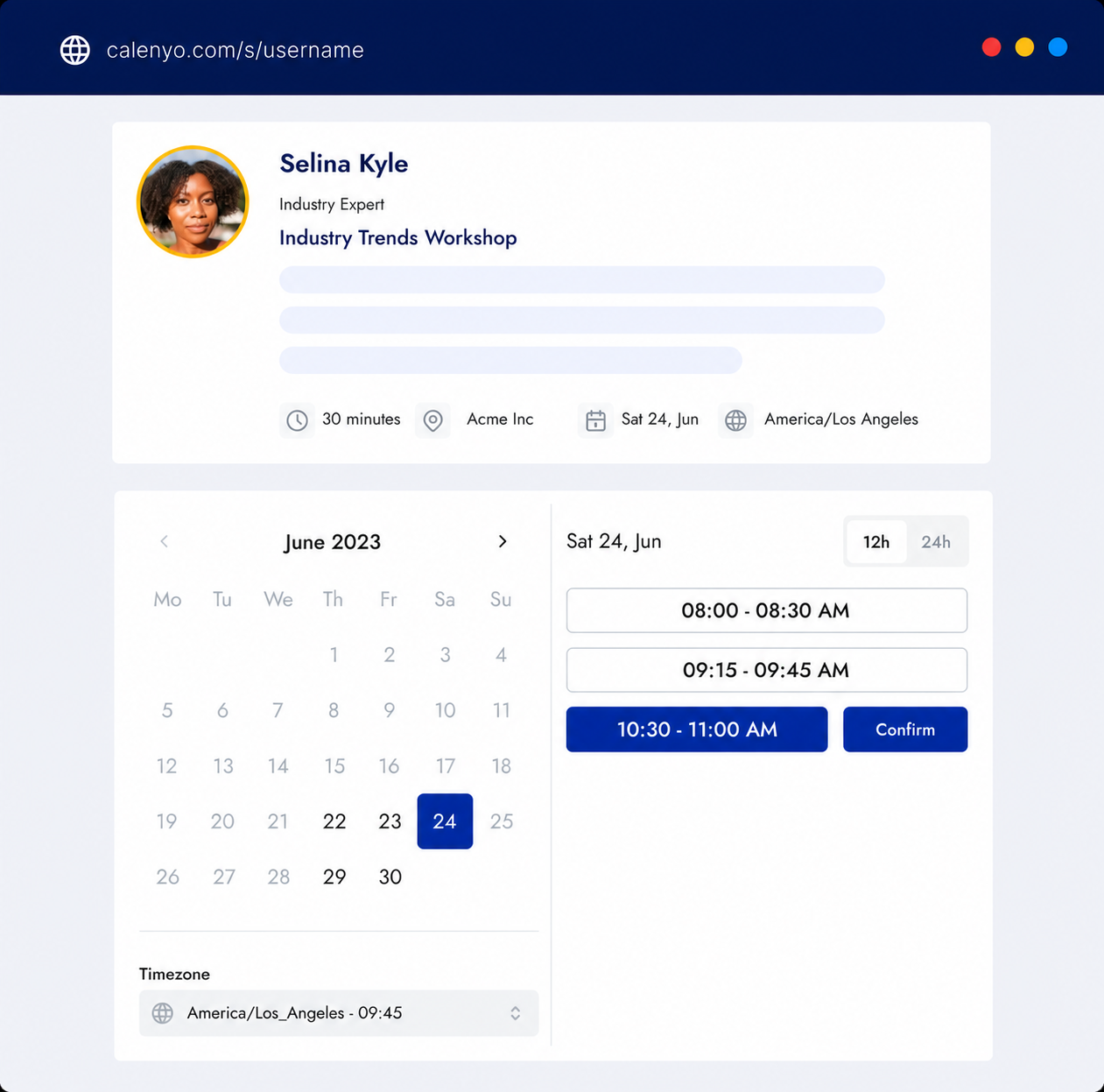
What the page handles
Calenyo keeps the description, questions, timing, reminders, and change links attached to one appointment flow.
Common uses
Create a dedicated event for a structured one-to-one consultation.
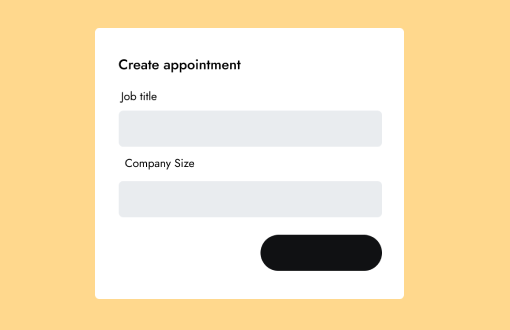
Collect the goal and website or company context before a working conversation.
Offer an event link for planned check-ins that need more than an email.
How it works
Explain what the client will leave with and how they should prepare.
Use the editable form to ask for the goal and relevant background.
Keep consultation availability separate from the rest of your workday.
A one-to-one consultation to review your goal, context, and useful next steps.
You review the details and availability before publishing.
Good to know
Product questions
Yes. Create a separate event for each duration or service.
Yes. Every template field can be edited or removed before publishing.
Yes. Calenyo sends booking details after the appointment is created.
Product details reviewed by Calenyo product team · Updated 2026-07-16