Individual viewings
Offer selected times for a buyer to see one property.
Property viewing appointments
Create a property-specific appointment, protect travel time, and keep the listing reference attached to the booking.
Create this booking page freeNo credit card · Edit everything before publishing
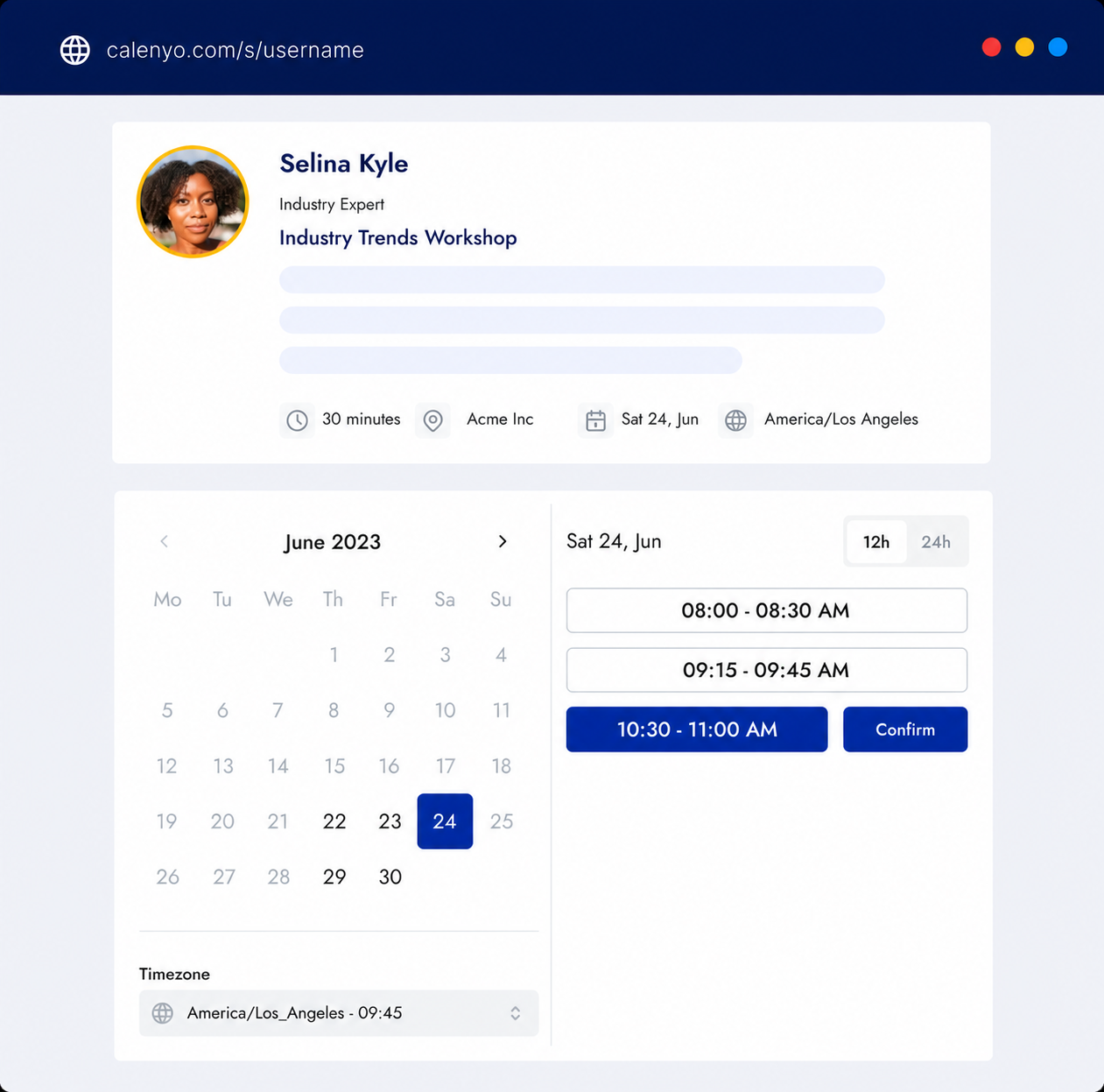
What the page handles
Use the event title, location, description, form, and availability to remove avoidable coordination.
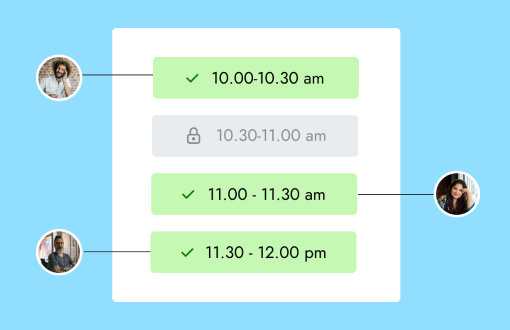
Common uses
Offer selected times for a buyer to see one property.
Use the location field to explain how an individual video viewing will happen.
Create a direct appointment link when a serious buyer needs another look.
How it works
Put the listing or address reference in the event title and description.
Add the real duration and a break for travel or preparation.
Share the property event rather than a generic calendar page.
Choose an available time to view the property. The final meeting details will be included with your booking.
You review the details and availability before publishing.
Good to know
Product questions
Yes. Use the event location and description to provide the agreed meeting details.
Confirmed Calenyo appointments are excluded when available slots are calculated.
Yes. Add a break duration to each viewing event.
Product details reviewed by Calenyo product team · Updated 2026-07-16