A first enquiry call
Offer a short conversation about photography style, coverage, and whether you might be a fit. Confirm wedding-date availability separately.
Scheduling for wedding photographers
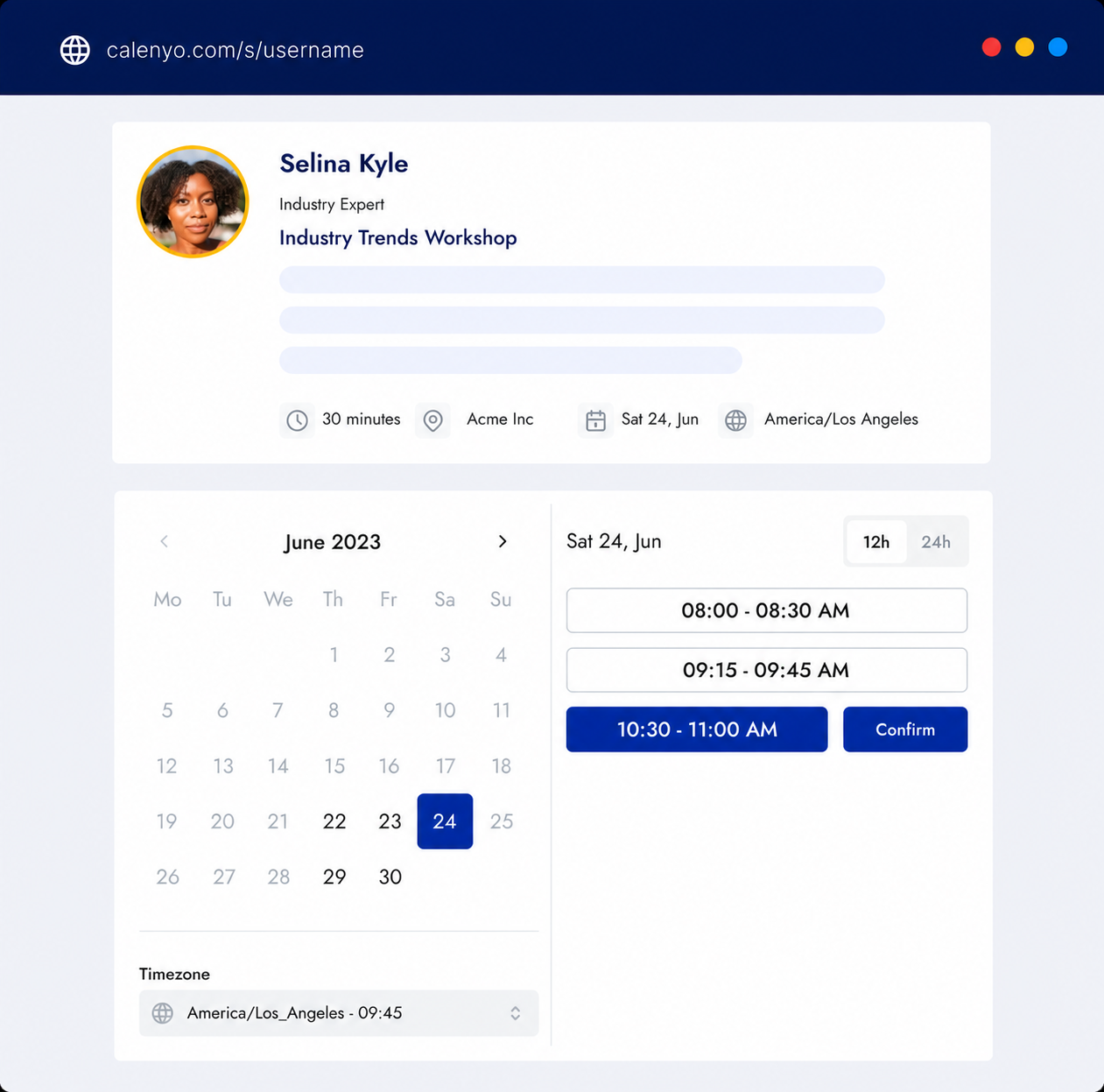
Calenyo lets wedding photographers share available consultation times, ask editable intake questions, and confirm a call with a couple. The call booking does not reserve their wedding date.
Create this booking page freeNo credit card · Edit everything before publishing
What the page handles
Ask about the wedding date, venue, and what the couple wants to discuss before you meet. Set call availability and breaks, add reminder emails, and share a guest management link for changes.
Common uses
Offer a short conversation about photography style, coverage, and whether you might be a fit. Confirm wedding-date availability separately.
Give an existing client a separate appointment link to discuss their timeline, locations, and photography priorities before the day.
Arrange a conversation about album selections after the wedding. Use a separate event so couples know which discussion they are booking.
How it works
After signing up, choose the existing Client consultation template. Rename it for your wedding photography call and customize the description and location.
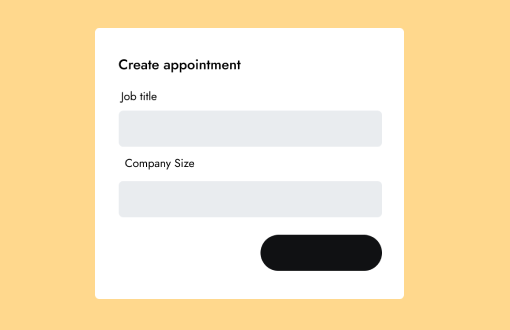
Edit the form to ask: What is your wedding date? Which venue or location are you considering? What would you like to discuss? These are suggested questions to add, not a prefilled wedding template.
Set the call duration, available hours, and breaks around other work. Configure reminders, then share the link from your enquiry reply or website.
A one-to-one consultation to review your goal, context, and useful next steps.
You review the details and availability before publishing.
Good to know
Product questions
No. It confirms the call time only. Check your wedding availability and arrange any photography contract and deposit separately.
Customize the editable form with the wedding date, venue or planned location, and what the couple wants to discuss. These are suggestions to add after choosing the existing Client consultation template.
Create a free Calenyo account, choose Client consultation, and customize the event and questions. Set your call availability and breaks, configure reminders, and share the booking link. Guests can manage their call through the secure link in their confirmation.
Product details reviewed by Calenyo product team · Updated 2026-10-17