5 minutes: agree on the goal
Ask who the work is for, what the guest wants feedback on, and which question matters most. Agree on a scope that fits this session.
Portfolio review scheduling
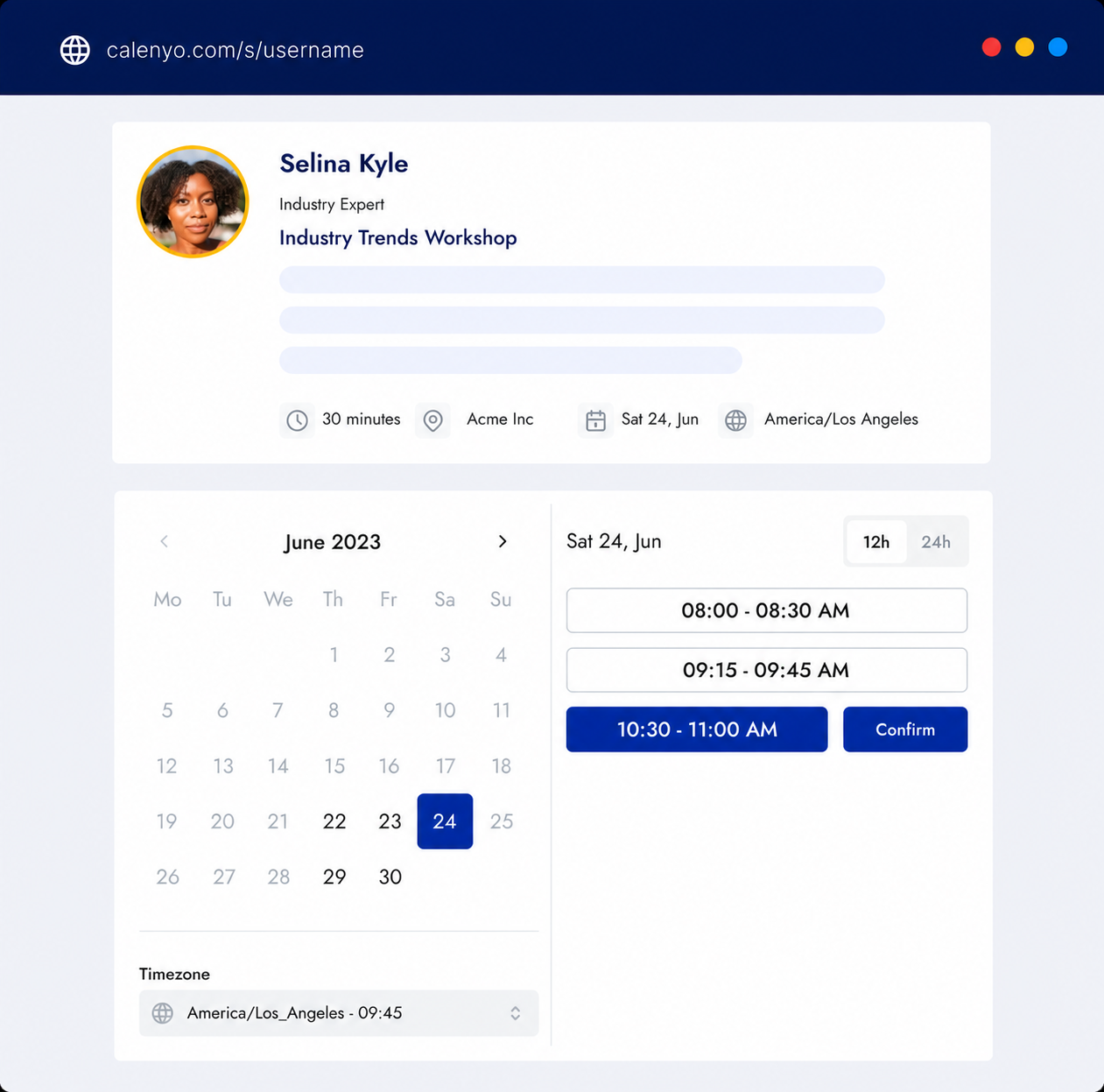
Give a mentor or creative reviewer one booking link for a one-to-one conversation. Ask the guest to select one case study or work example and a feedback goal before the call.
Create this booking page freeNo credit card · Edit everything before publishing
What the page handles
Before the session, ask the guest to check that their public portfolio link works and choose one example they can discuss. The agenda below is a starting point you can adapt, not a promise of a job, admission, or other outcome.
Common uses
Ask who the work is for, what the guest wants feedback on, and which question matters most. Agree on a scope that fits this session.
Walk through the selected case study or creative work. Discuss the decisions, how clearly the story comes across, and the specific feedback goal rather than rushing through the whole portfolio.
Recap the feedback and agree on one or two changes to try. If a follow-up would help, share the booking link for a separate session.
How it works
After signing up, choose the existing Client consultation template, which starts at 45 minutes. Rename it Portfolio review, change the duration to 30 minutes for this suggested agenda, and add your meeting location or external call link.
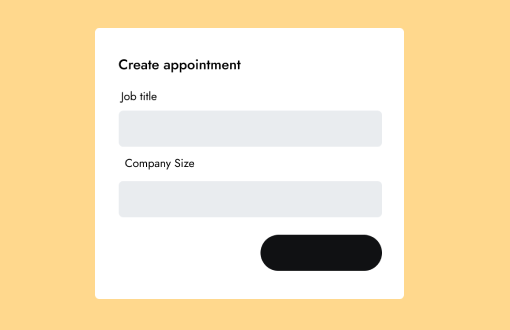
Edit the booking form to ask: What is your public portfolio link? Which case study or work example should we review? What feedback would be most useful? These are suggested questions to add, not a prefilled portfolio-review template. Do not request passwords or private files.
Publish the available review times, leave a break between sessions, and configure reminder emails. Put the booking link on your mentoring or portfolio site so a guest can choose a time and receive a confirmation.
A one-to-one consultation to review your goal, context, and useful next steps.
You review the details and availability before publishing.
Good to know
Product questions
Create a free account and choose Client consultation. Its default duration is 45 minutes, so change it to 30 minutes and customize the name, description, location, and questions before publishing. There is no dedicated prefilled portfolio-review template.
Ask for a working public portfolio link, one selected case study or work example, and a specific feedback goal. Add these as editable questions yourself. Do not ask for passwords or private files.
No. Calenyo coordinates booking, confirmations, reminders, and appointment changes. The reviewer conducts the conversation using a separate call service or meeting location, and no job, admission, or feedback outcome is guaranteed.
Product details reviewed by Calenyo product team · Updated 2026-10-17