You cannot prevent every no-show. You can prevent the avoidable ones by making the appointment easy to understand, remember, and change. Start with the booking flow before adding more messages.
Write a confirmation people can act on
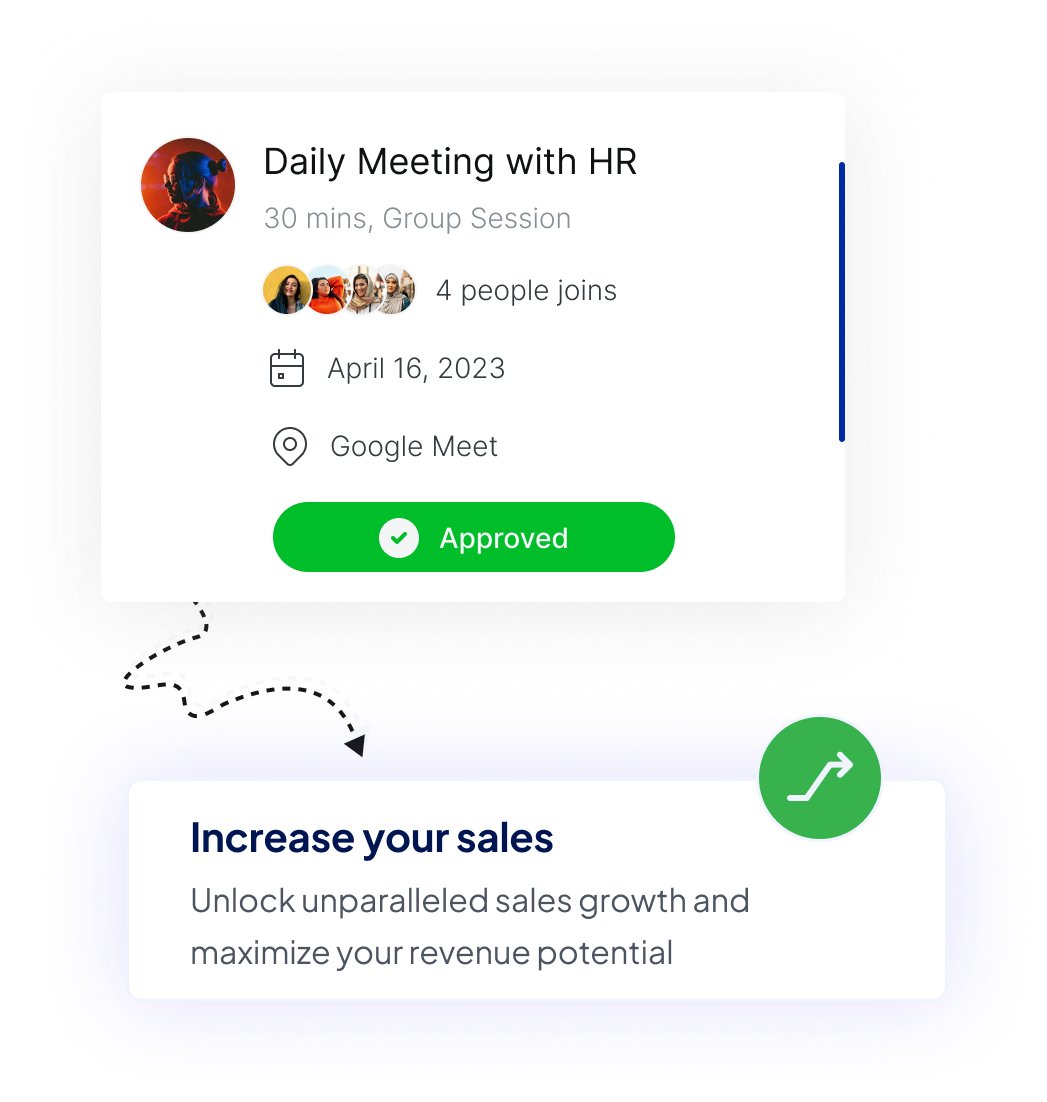
A confirmation is useful when the guest can scan it once and know exactly what to do. It should include:
- the appointment name;
- date, time, and timezone;
- duration;
- physical address or online meeting location;
- any short preparation note; and
- a reschedule or cancellation link.
Do not hide the location in a long description. Do not make the guest search an earlier email to find the meeting link.
Send reminders at useful moments
One reminder too early can be forgotten. Several reminders close together can feel noisy. Choose timing based on how much preparation or travel the appointment requires.
For a short online call, a reminder the day before may be enough. For an in-person appointment, an additional reminder closer to the start can help because the guest needs to travel. Keep the subject and opening line specific so the message is recognizable at a glance.
Calenyo event reminders are configurable. Only enable messages that give the guest something useful: the time, location, preparation, or change link.
Show the timezone everywhere it matters
Remote appointments fail when each person silently assumes a different timezone. Display the timezone next to available slots and repeat it in the confirmation.
If most guests are local, this still matters around travel and daylight-saving changes. A visible timezone label is a small detail that prevents an expensive misunderstanding.
Make rescheduling easier than disappearing
Plans change. When changing an appointment requires an email exchange, some guests will postpone that task until it is too late.
Give the guest a direct, secure way to reschedule or cancel. A changed appointment is more useful than an unexplained absence, and the released time can become available again.
Offer times you are likely to keep
Host changes can weaken trust in the booking flow. Publish stable appointment windows instead of exposing every possible gap.
Add breaks where calls tend to run over or travel is involved. Avoid placing a high-preparation appointment between two fixed commitments. Reliability works both ways: guests are more likely to treat a time as firm when the host does too.
Keep the form proportional
A long form can increase abandonment without improving attendance. Ask for information that changes how you prepare, and collect the rest during the appointment.
For a discovery call, a name, email, discussion goal, and optional link may be enough. For an initial consultation in a sensitive field, keep the form to contact and scheduling details and use the appropriate system for confidential information.
Review the pattern, not one missed meeting
After several appointments, look for a repeatable cause:
- Are missed appointments concentrated at one time of day?
- Are guests confused about the location?
- Is the lead time too long?
- Are reminder emails missing a clear subject?
- Do people ask you to reschedule manually?
Change one part of the flow, then observe the next group of appointments. This gives you a better signal than reacting to a single no-show.
Start with a clear online booking page, then add reminders and a self-service change path. Those basics solve more than another paragraph of policy text.