Manage your schedule
How to manage an event
Find an event, choose the right action, and check the public page after changes.
Start the guide 3 minute guide
Updated 2026-07-19Reviewed by Calenyo product team
Step-by-step
Follow the real product.
Step 1 · Events
Find the event you want to change
Open Events and find Client Consultation by its title, duration, and location.
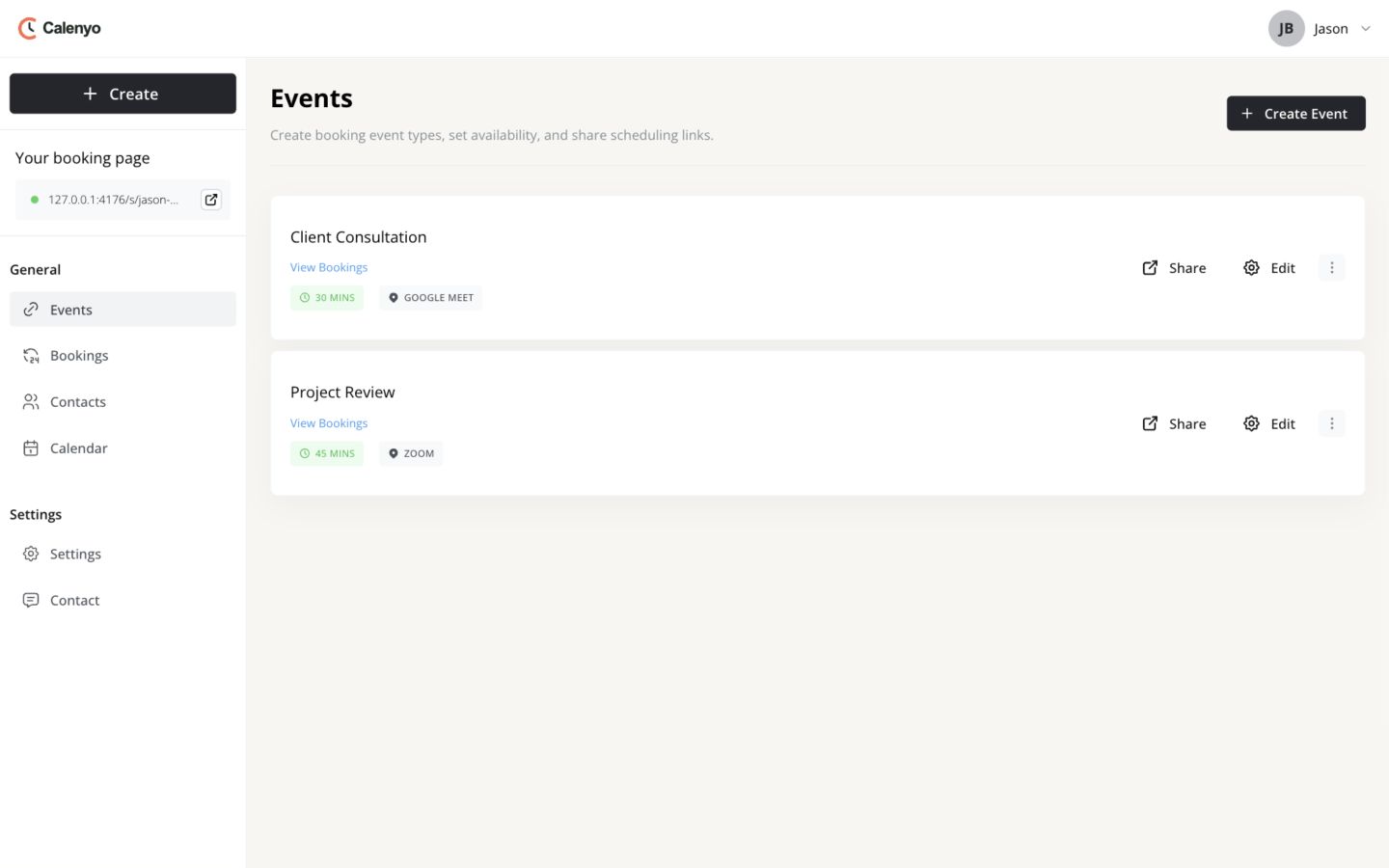 Actual Calenyo screen · Sample account
You’re done when
The public event reflects Jason’s current schedule.
- The correct event was updated.
- New visitors see the intended hours and questions.
- The shared URL opens the expected booking page.
No credit card required