Manage your schedule
How to manage a booking
Review the guest details, then reschedule or cancel when plans change.
Start the guide 3 minute guide
Updated 2026-07-19Reviewed by Calenyo product team
Step-by-step
Follow the real product.
Step 1 · Bookings → Upcoming
Open the upcoming booking
Open Bookings and find Morgan Lee’s Client Consultation.
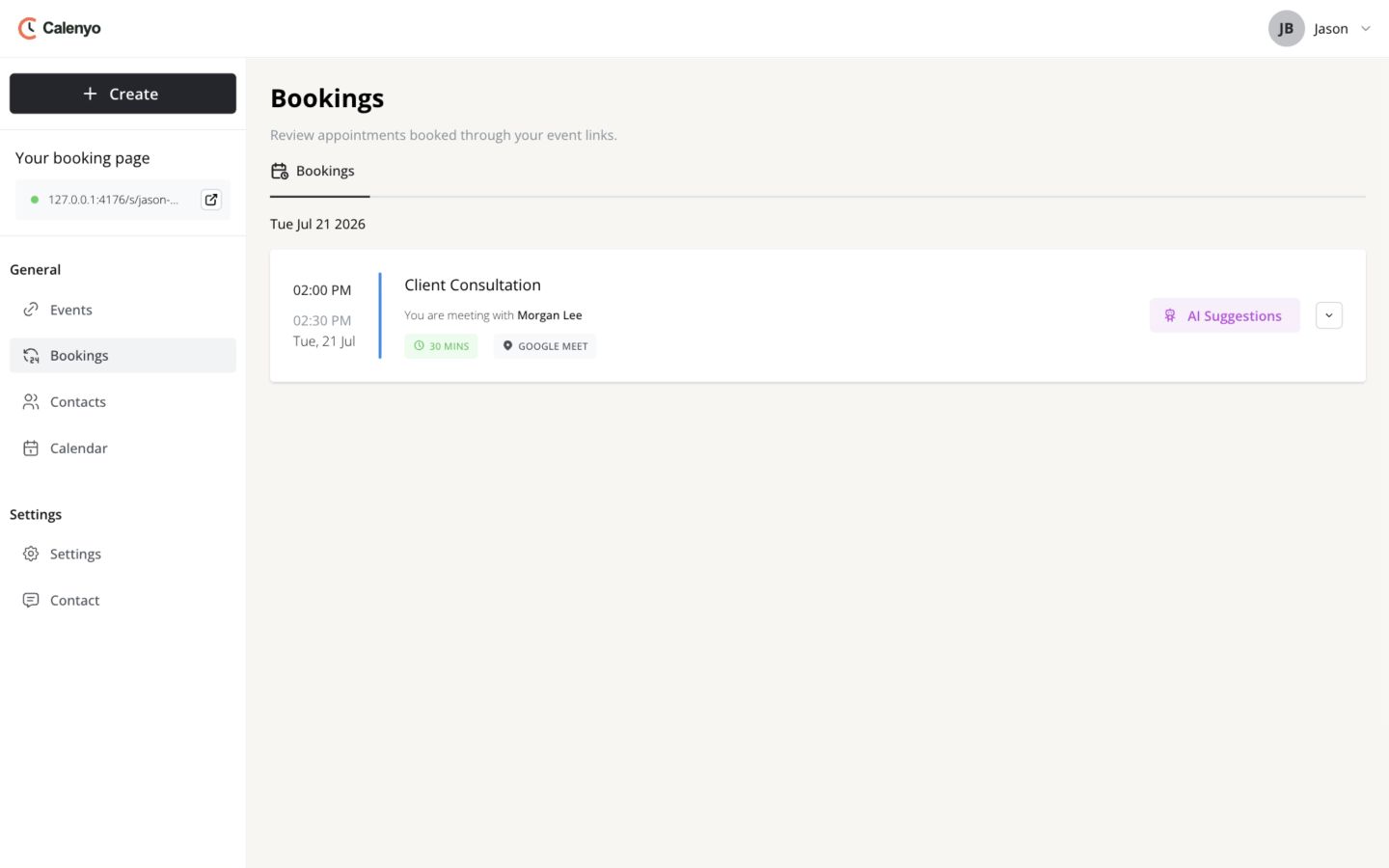 Actual Calenyo screen · Sample account
You’re done when
Morgan and Jason have the same appointment details.
- The guest and event were confirmed before the change.
- The new time does not conflict with another commitment.
- The guest received the updated status.
No credit card required