Manage your schedule
How to manage contacts
Find a person, review appointment history, and choose the next scheduling action.
Start the guide 3 minute guide
Updated 2026-07-19Reviewed by Calenyo product team
Step-by-step
Follow the real product.
Step 1 · Contacts
Find the person—or add them first
Search for Morgan, or select New contact to add someone before their first booking.
Good to know: Matching email or phone details keep appointment history connected.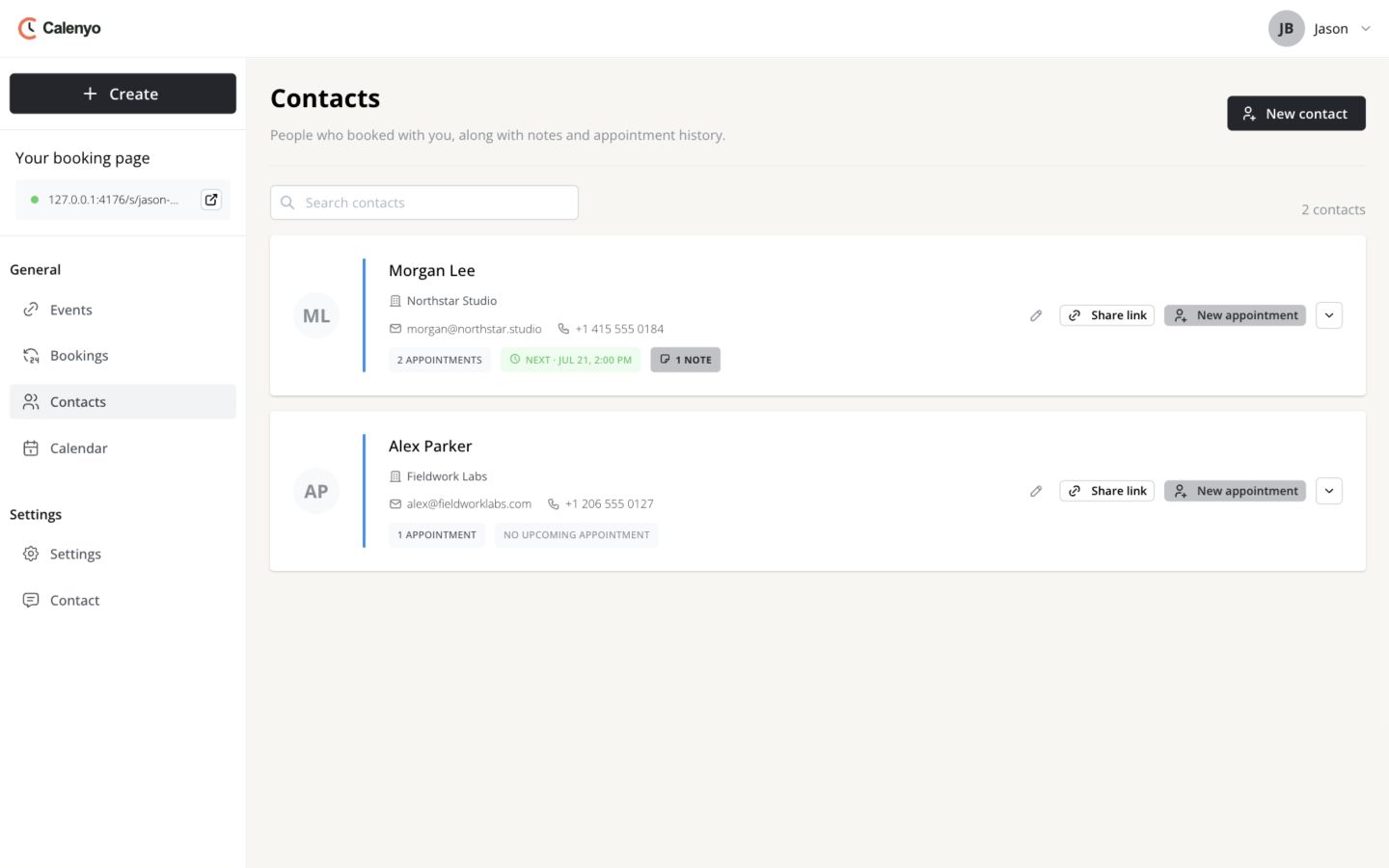 Actual Calenyo screen · Sample account
You’re done when
Jason can prepare for Morgan’s next call from one record.
- Morgan’s contact details are current.
- The note is useful and contains only appropriate context.
- The chosen scheduling action matches what Morgan needs.
No credit card required