5 minutes: review the agreed action
Compare what you agreed last time with what has happened. Start with the result or change that matters to the client, not a recap of every task.
Client follow-up meetings
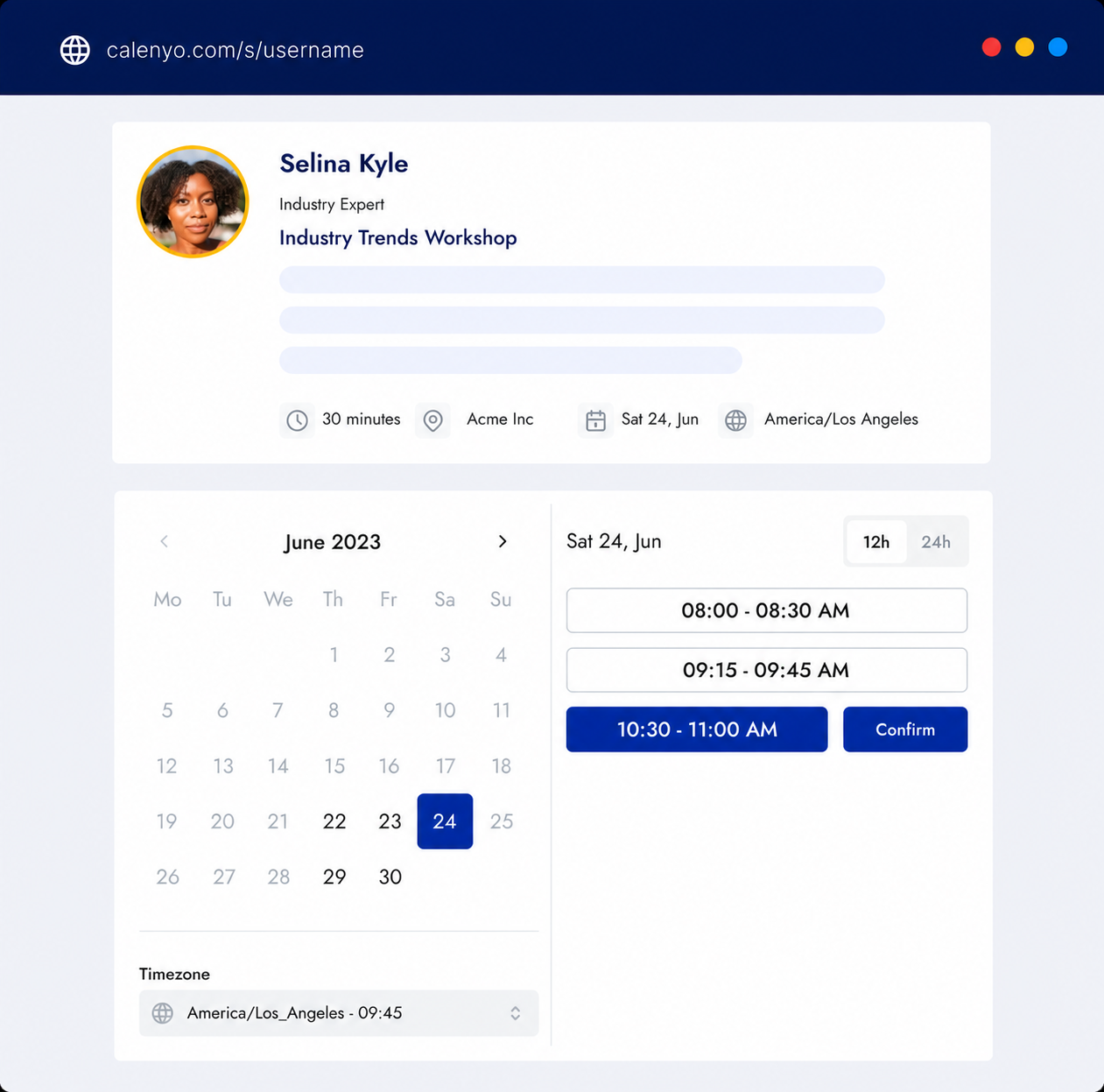
Give an existing client a dedicated link to review an agreed action, discuss a blocker or make a decision. Keep this appointment separate from a new-enquiry call so both sides know what to prepare.
Create this booking page freeNo credit card · Edit everything before publishing
What the page handles
Send the previous action list and ask for a short progress update before the meeting. If the update needs no discussion or decision, an email may be enough. Adapt this agenda to the work rather than adding a meeting by default.
Common uses
Compare what you agreed last time with what has happened. Start with the result or change that matters to the client, not a recap of every task.
Discuss the obstacle or decision named in the booking form. If it needs a longer working session, agree on that separately rather than stretching a short check-in.
Write down the next action, who owns it and when you will check progress in your own notes or project tool. Share a summary and book another appointment only when it is useful.
How it works
After signing up, choose the existing Client consultation template, which starts at 45 minutes. Rename it Client follow-up and change the duration to 20 minutes for this suggested agenda. Add your meeting location or external call link.
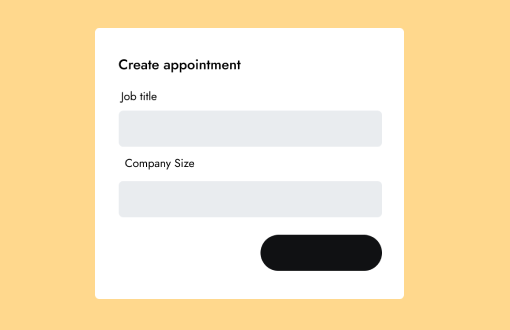
Edit the booking form to ask: Which agreed action are we reviewing? What changed since our last conversation? Which blocker or decision should we discuss? These are suggested questions to add yourself, not a prefilled follow-up template. Do not request passwords or sensitive documents.
Set available check-in times, leave a break and configure reminder emails. Share the link with an existing client after agreeing what needs discussion. Each booking is an individual appointment.
A one-to-one consultation to review your goal, context, and useful next steps.
You review the details and availability before publishing.
Good to know
Product questions
Review one agreed action, resolve a specific blocker or decision, and agree on the next action and its owner. The suggested 20-minute agenda is five minutes for progress, ten for the blocker and five for next steps. Use an email when no discussion is needed.
No. Choose the existing Client consultation template, which starts at 45 minutes, then change the title, duration, description, location and questions yourself before publishing. The 20-minute agenda and intake questions on this page are suggestions.
No. Record action owners and progress in your own notes or project tool. Each Calenyo booking is a separate one-to-one appointment; guests receive a secure link to reschedule or cancel it.
Product details reviewed by Calenyo product team · Updated 2026-10-17