Client kickoff meetings

Start the approved project with a shared plan.

For an independent professional meeting one client contact after project approval. Turn the agreed scope into a clear first working session: what success means, who decides and what happens next.

Create this booking page free

No credit card · Edit everything before publishing

www.calenyo.com/s/your-name
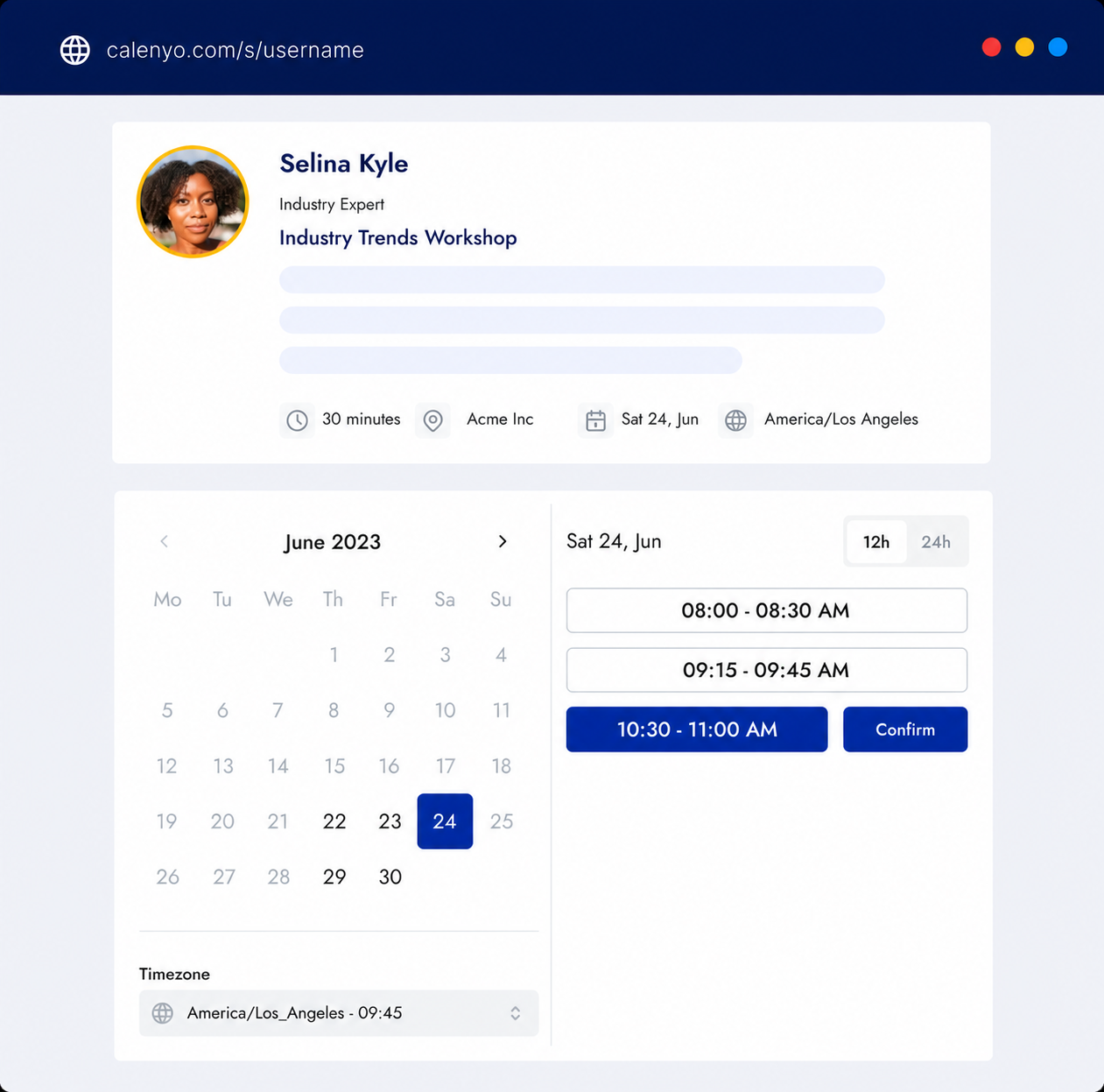
Calenyo public booking page with available appointment times
One public page. Your availability. A confirmed appointment.

Before the first working session

Bring the agreement. Leave with decisions and owners.

A kickoff puts an already approved project into motion; a discovery call decides whether to work together. For example, a freelance designer and a client contact can use this session to confirm a three-page website scope, the approval process and the first review date. Resolve changes to the agreement separately before treating them as approved work.

  • Editable duration, availability, and breaks
  • Questions tailored to the appointment
  • Confirmation and booking-management links
Calenyo product workflow for client kickoff meetings

A suggested 45-minute agenda

Scope, responsibilities and the first useful action.

01

10 minutes: confirm scope and success

Restate the agreed deliverables and what is outside scope. In the website example, confirm the three pages, the main visitor action and how the client will judge the first draft. Name any unresolved decision instead of assuming it is settled.

02

20 minutes: agree roles and working decisions

Identify the client contact who gives consolidated feedback and who can approve it. Agree how feedback will be shared, the first milestone and any dependency. For example: the client supplies approved public copy before the designer starts the first layout.

03

15 minutes: record actions, owners and dates

Write the summary in your own notes or project tool. Example: client contact sends approved public copy by 6 November; designer shares the first layout by 10 November; both review it on 12 November. These are example dates to replace, not tasks or bookings created by Calenyo.

How it works

Start with a template. Make it yours.

  1. 01

    Make a dedicated kickoff event

    Choose the existing Client consultation template, which starts at 45 minutes. Rename it Client kickoff, rewrite the description around the approved project and add an agreed meeting location or external call link. Keep 45 minutes for this example or change the duration manually to fit your agenda.

  2. 02

    Ask only what changes your preparation

    Add these suggested booking questions yourself: What outcome should this approved project achieve? Which scope point needs clarification? What can you approve, and who else must approve decisions? Which non-confidential dependency could delay the first milestone? Do not request passwords, contracts or private files. These questions are not a prefilled kickoff template.

  3. 03

    Review the plan and share one link

    Use the free agenda builder below to check the topic timings, then copy the reviewed agenda into your event description yourself. Set availability, breaks and any reminder settings before publishing. Share the kickoff link with the agreed client contact; book a separate follow-up only when a milestone needs discussion.

Editable Calenyo templateClient Consultation
45 min

A one-to-one consultation to review your goal, context, and useful next steps.

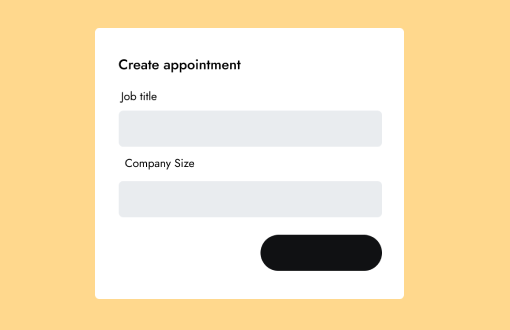
01Your NameRequired
02Your EmailRequired
03What would you like to achieve?Required
04Company or websiteOptional

You review the details and availability before publishing.
Good to know

Know exactly what it does.

  • Calenyo books a one-to-one appointment with confirmation and secure reschedule or cancellation links.
  • The agenda and action list are planning examples. Keep decisions, owners and due dates in your own notes or project tool; Calenyo does not manage projects, contracts or client files.
  • Use an external call service or an agreed location. Calenyo does not host video calls, coordinate group availability or collect project payments.

Product questions

Questions before you start.

How is a client kickoff different from a discovery call?

A discovery call establishes fit before work is agreed. A kickoff happens after project approval and confirms scope, success, responsibilities, dependencies and the first actions. Use this guide for one independent professional meeting one client contact.

What should I cover in a 45-minute client kickoff?

Use ten minutes to confirm scope and success, twenty minutes for roles and working decisions, and fifteen minutes to record actions with an owner and date. Adjust the agenda to the actual project and record the summary in your own notes or project tool.

Does Calenyo include a ready-made kickoff event or manage the project?

No. Start with the existing Client consultation template at 45 minutes and edit the title, description, location and questions yourself. The agenda builder does not transfer its output into the event. Calenyo schedules the appointment; it does not manage tasks, contracts, files or group coordination.

Product details reviewed by Calenyo product team · Updated 2026-10-23

Give the approved client one clear next step.

Create this booking page free