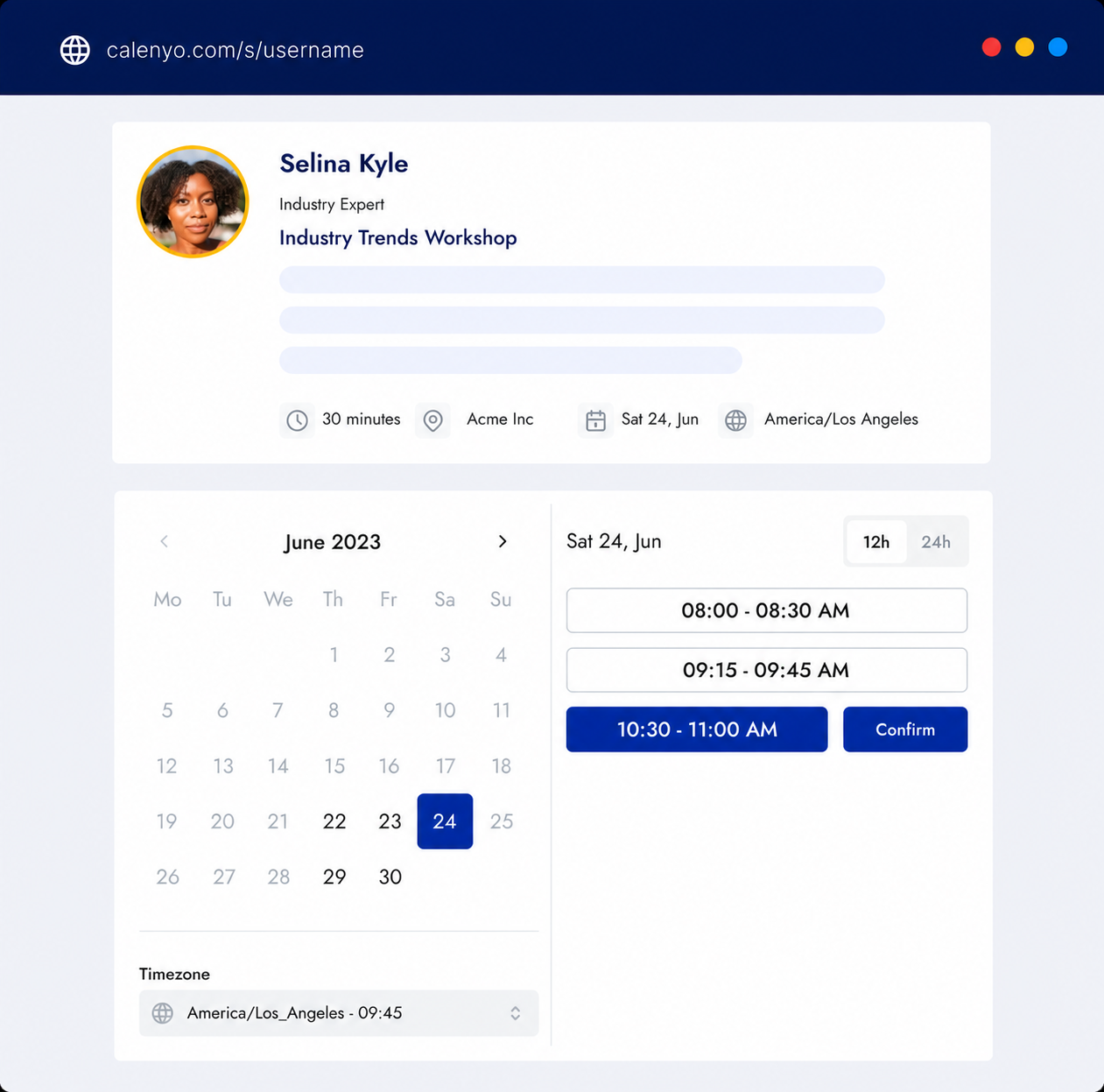
“Free” is not the most important feature in appointment scheduling software. The useful question is whether the free plan can carry one real appointment all the way from an available time to a clear confirmation—and whether you understand what changes when your needs grow.
Use this nine-point checklist before you move your calendar, publish a booking link, or ask clients to rely on a new tool.
1. Can people book without creating an account?
The booking page should make the guest’s job smaller, not larger. A person choosing a time should normally be able to enter the necessary contact details and confirm the appointment without registering for the scheduling product themselves.
Test this as a guest in a private browser window. If the path is confusing when you already know how the product works, it will be harder for a first-time visitor.
2. Can you publish only the hours you intend to protect?
An open space in a calendar is not automatically a good appointment time. Look for control over:
- days and working hours;
- event duration;
- breaks between appointments;
- earliest and latest booking dates; and
- the number of appointments you are willing to accept.
The best free appointment scheduler for you is the one that lets you publish realistic availability. A long list of times is not helpful if you regularly have to move them later.
3. How does the tool prevent calendar conflicts?
If you use an outside calendar, check exactly what “calendar integration” means. Useful questions include:
- Does the scheduler read busy time from the connected calendar?
- Does it add confirmed appointments to that calendar?
- What happens if the calendar connection expires?
- Can you still see and manage appointments inside the scheduling product?
Do not assume every free tier includes every calendar provider or every kind of synchronization. Test the connection you actually use.
4. Can the booking form collect useful context?
Name and email are enough for some appointments. A discovery call, trial lesson, or property viewing may need one or two additional questions.
Look for editable fields, required and optional questions, and a clear view of the answers before the appointment. Then keep the form short. General scheduling software should not be used for payment details, clinical history, emergency information, or other data that belongs in a purpose-built system.
5. What confirmation and reminder messages are included?
A booking is not complete when the database row exists. Both people need the date, time, timezone, duration, and location in a message they can find later.
Check whether the free plan includes:
- a confirmation for the guest and event owner;
- calendar details or an invitation;
- configurable email reminders; and
- clear wording when an appointment changes.
If reminders are a paid feature, decide whether the upgrade cost is lower than the cost of preventable no-shows. Our guide to reducing appointment no-shows explains the rest of that workflow.
6. Can guests reschedule or cancel securely?
Plans change. A guest should have a safe, understandable way to move or cancel an appointment without starting another email thread.
Test the management link yourself. Confirm that it applies only to the intended appointment, that the new time is checked for conflicts, and that both sides receive the updated details. Also check whether you can set a cancellation or rescheduling boundary when last-minute changes are a problem for your business.
7. Which limits affect a real workflow?
Free-plan limits are not automatically bad. They are a problem when they are difficult to discover or block the workflow after you have already shared it.
Look beyond the headline price and write down the limits that matter:
- active event types;
- bookings per month;
- connected calendars;
- reminders or automated messages;
- form and page customization;
- branding;
- team members; and
- access to appointment history.
Review the current pricing information and product documentation rather than relying on an old comparison article. Plans change more often than the basic scheduling problem does.
8. Can you take your information with you?
Before committing, find the export, deletion, and account settings. Read the privacy information and identify what happens to event details, guest information, and appointment history when you close the account.
If the product does not clearly explain retention, deletion, or support contact options, ask before using it for real clients. Free software still handles real information.
9. Is the product honest about what it does not do?
No scheduler is best for every kind of appointment. A focused one-to-one tool may be a poor fit when you need group voting, class capacity, appointment payments, team routing, clinical records, or developer infrastructure.
Treat limitations as decision-making information. A smaller product can be the better choice when its supported workflow matches your work; a broader platform can be the better choice when integrations and organizational controls are essential.
How Calenyo fits this checklist
Calenyo is a hosted appointment scheduler for individuals and small service businesses that mainly arrange one-to-one appointments. You can start without a credit card, create a booking page, set availability and breaks, edit booking questions, send confirmation and reminder emails, connect Google Calendar, and give guests a secure way to reschedule or cancel.
Calenyo is not the right choice for payment collection, multi-participant polls, group-class capacity, clinical records, emergency services, team routing, or developer scheduling infrastructure. The Calenyo product facts page keeps those supported workflows and limitations in one place.
A 10-minute evaluation
Create one test event with the duration, location, hours, and questions you would use in real life. Book it from a private browser window. Then reschedule it, cancel it, and inspect every message both people receive.
That small test tells you more than a long feature table. If the complete appointment works on the free plan and the limits are clear, you have enough information to start. If it does not, you have learned exactly which capability is worth paying for.